Capture the web without leaving Edge
The ATCapture extension screenshots and records browser tabs, then shares them as the same protected atcap.app links as the Windows app. Everything lands in one library.
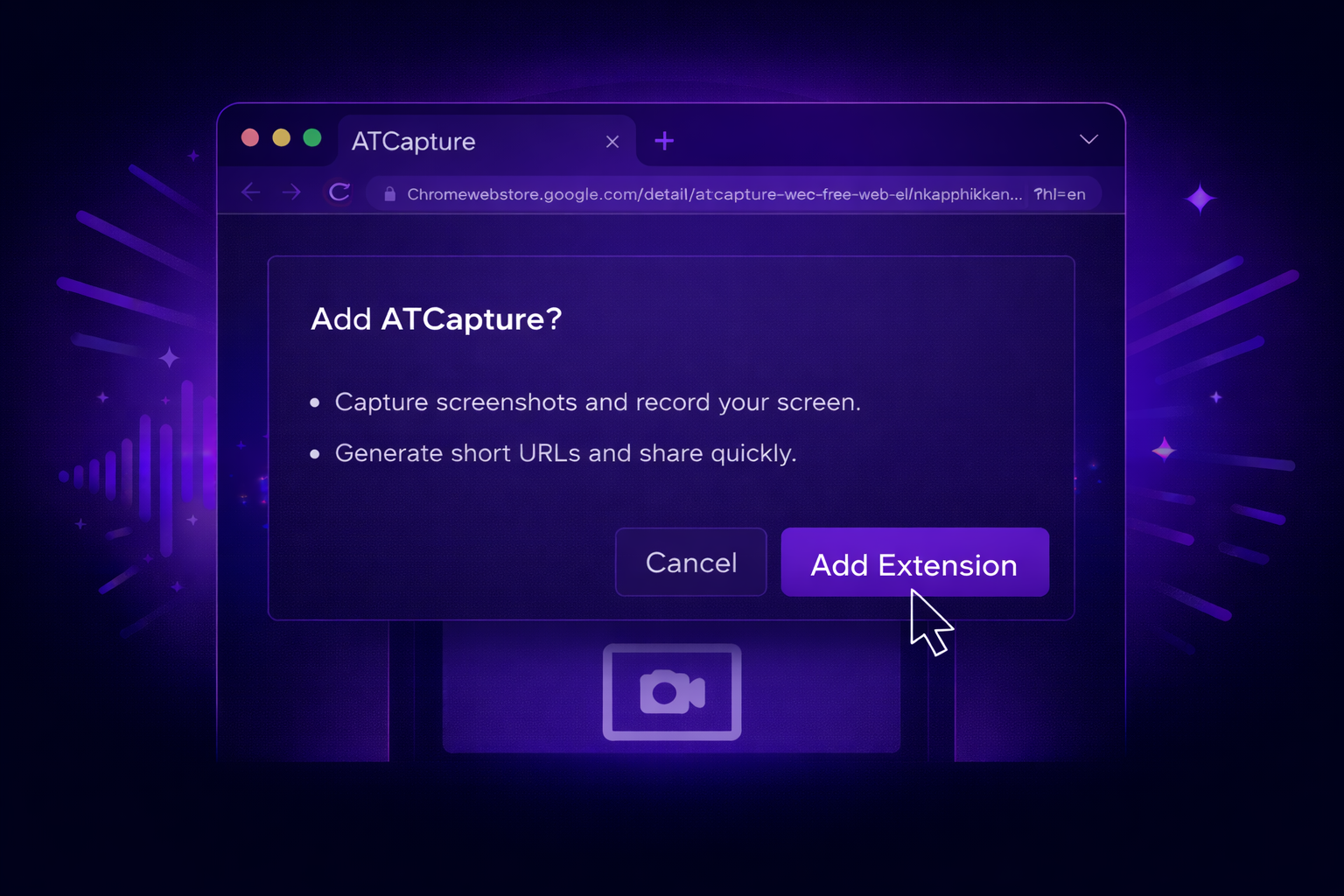
Pin it, click it, share it
Add the extension
Install it from Microsoft Edge Add-ons and pin it to the toolbar. Sign in with your ATCapture account.
Capture a tab
Click the icon to screenshot the page or start recording the tab.
Share the link
The capture uploads to your workspace and the short link is ready to paste.
Work that happens in the browser
Web apps and dashboards
Capture admin panels, CRMs and analytics and send the context with one link.
Web QA
Report what the user actually sees in the tab, with a recording of the steps.
One library
Browser and desktop captures sit together in your dashboard with the same sharing rules.
Using Chrome? Get the Chrome extension.
Explore more of ATCapture
Capture it. Share it. Done.
Free for Windows 10 and 11. Upgrade only when your team needs more.
Version V2026.03.05 · 74MB · Windows 10 & 11, 64-bit