
QR scanner
Read QR codes without reaching for your phone
When a QR code shows up in an email, a PDF or a video call, scan it right on your PC and open the link or copy the text.
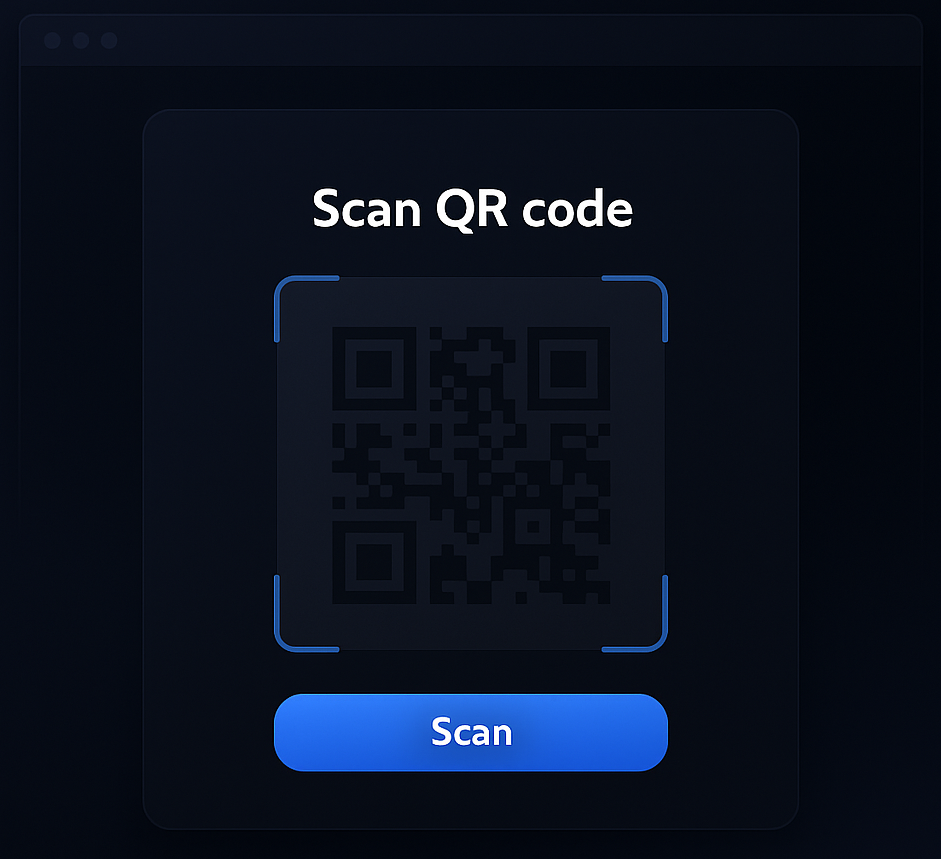
Two ways to scan
From the screen or the camera
From your screen
Select the QR code wherever it appears: documents, slides, chats, images.
From your webcam
Hold up a phone or a printout. ATCapture reads it in a moment.
Use the result
Open links in your browser or copy text into notes, tickets and search.
Questions
QR scanner FAQ
Can I scan a QR code that is on my screen?
Yes. Select the QR code like a screenshot and ATCapture reads it: in a PDF, a slide, an email or a video call.
Can I use my webcam?
Yes. Hold a phone screen or a printout up to your webcam and ATCapture decodes it.
What happens after scanning?
You see the decoded content. Open a link in your browser or copy the text with one click.
Explore more of ATCapture
Capture it. Share it. Done.
Free for Windows 10 and 11. Upgrade only when your team needs more.
Version V2026.03.05 · 74MB · Windows 10 & 11, 64-bit